Upload it. Ask it.
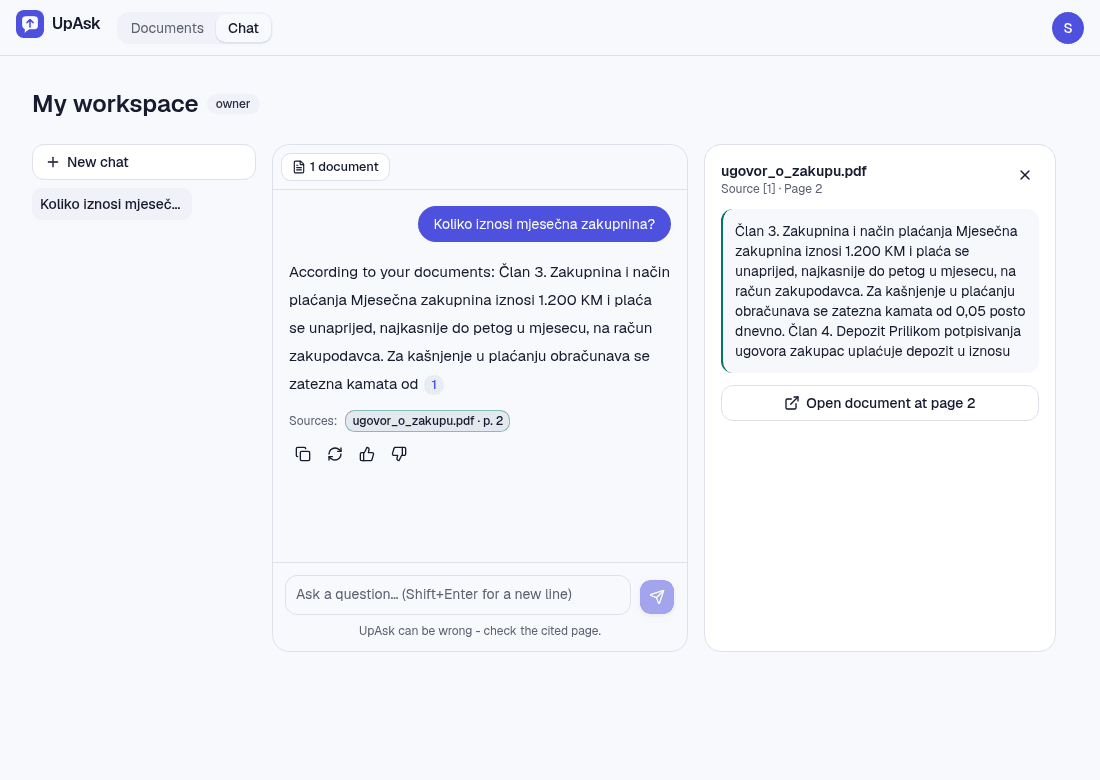
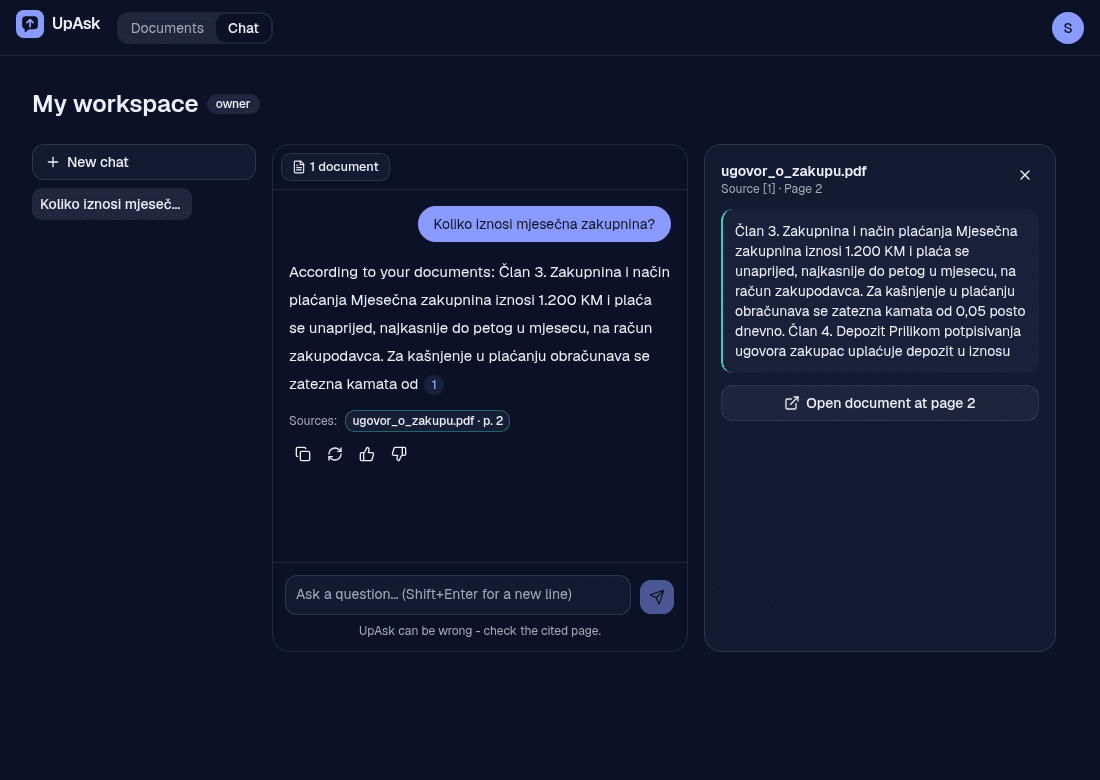
Ask questions about your PDFs, Word and text files and get answers with citations to the exact document and page.
- Answers cite document & page
- Private workspaces
- Works with PDF, Word and scans
How it works
1. Upload
Drop in your PDFs, Word or text files: lecture notes, contracts, manuals.
2. Ask
Ask in plain language, about one document or all of them.
3. Verify
Every answer cites the document and page. Click to see the source.
Made for students and small teams
Students
Lecture notes
Find the definition or the formula without paging through 80 slides.
Papers and textbooks
Ask what a chapter concludes and jump to the page that says so.
Small companies
Contracts and invoices
Check a payment term or a notice period in seconds, with the clause in view.
Manuals and policies
Give the team one place to ask how things work instead of searching folders.
Features
Citations you can check
Answers point to the exact document and page. If your documents don't say, UpAsk says so.
One document or many
Ask across a whole workspace or narrow a chat to selected documents.
Your language
Ask in Bosnian, Croatian, Serbian or English, diacritics included.
Private workspaces
Every workspace is isolated. Other customers never see your documents.
Pricing
Start free. Upgrade when you need more room.
Free
Free
- 5 documents
- 50 MB storage
- Up to 100 pages per document
- 30 questions / month
- 10 MB per upload
- Try 2 questions without an account
Personal
€5/ month
- 50 documents
- 1 GB storage
- Up to 300 pages per document
- 500 questions / month
- 25 MB per upload
Pro
€15/ month
- 500 documents
- 10 GB storage
- Up to 1000 pages per document
- 5000 questions / month
- 50 MB per upload
FAQ
Which file types are supported?
PDF, including scanned PDFs, plus Word (.docx) and plain-text files. Limits per file depend on your plan.
Can the AI make things up?
UpAsk is instructed to answer only from your documents and to cite its sources. Language models can still make mistakes, so check the cited page for anything important.
Who can see my documents?
Only you. Each workspace is isolated from every other customer's data. To answer questions, the relevant text is sent to Google's Gemini API; see the Privacy Policy.
Can I delete my data?
Yes. Delete single documents, whole workspaces or your account, and export a workspace as a ZIP.
Can I try it without signing up?
Yes. Start as a guest, upload a document and ask 2 questions. Create an account to keep going: your documents and chats carry over. Inactive guest data is deleted after 7 days.
What does it cost?
There is a free plan to try it. Personal and Pro plans give you more documents, storage and questions.